Getting started
Your first typing session
A beginner can start without an account. Find a comfortable place, open the first English lesson, and follow one visible key at a time. An adult can sit alongside a younger learner.
Open the first English key lesson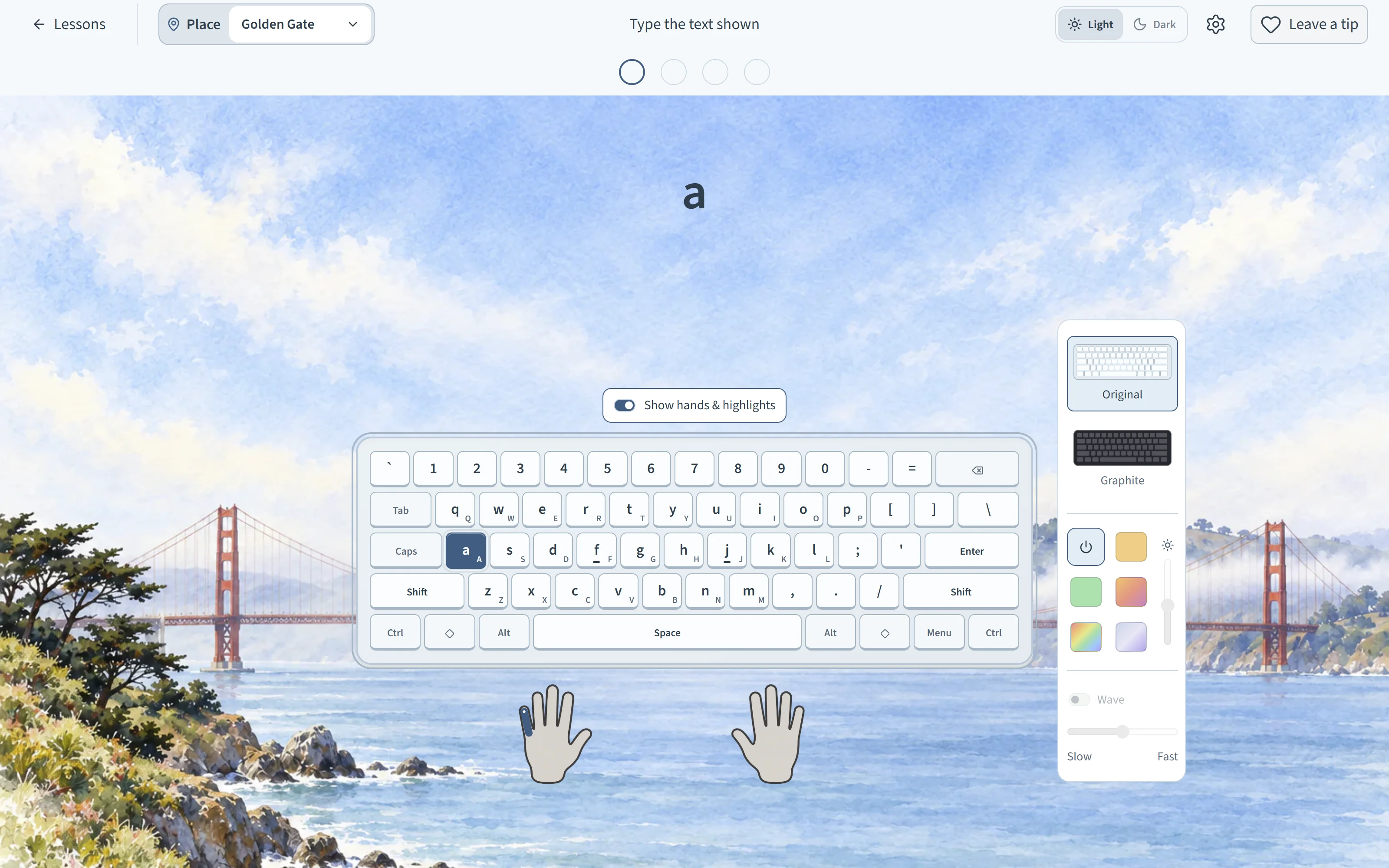
Before you begin
- Use a computer and a physical keyboard if you can. The course is designed primarily for this setup, and a wider screen gives the lesson more room.
- Choose a familiar course. The direct link above opens the first English lesson. From the course page, you can select another language; the exercise will show any extra keyboard guidance it needs.
- Make room for the learner’s hands. They can look at the large target and keyboard guide, then press the matching physical key. There is no speed target for this first session.
During the lesson
Let the learner find the highlighted key and try it. The lesson gives another chance to find it without the glow. Follow the written prompt together if a key is unfamiliar; it is fine to pause or finish for now.
Continue to the next lesson only when the learner wants to. The English path starts with keys and builds toward small words, then messages. The visible target is a reference, so this is typing practice rather than a spelling test.
Coming back later
Guest progress stays in this browser on this device. An optional email account can save progress across devices. On a shared computer, guest progress in the same browser profile is shared too; see the classroom and home guide before several learners take turns.